Caption an animated GIF, not just a still
Open a GIF up to 10 MB, 10 seconds and 300 frames. The editor reconstructs the animation and samples it at up to eight frames per second so you can add text to a GIF while watching it loop.
Give an existing GIF a little more to say with a top or bottom caption.
BUILT AROUND ONE JOB
Everything on this page supports the same focused workflow: open your source, make the edit you need, preview it and export a GIF. Your source is processed locally in your browser.
Open a GIF up to 10 MB, 10 seconds and 300 frames. The editor reconstructs the animation and samples it at up to eight frames per second so you can add text to a GIF while watching it loop.
Use a setup above and a punchline below, or leave either field empty. Each line has its own horizontal and vertical controls and can be dragged directly on the canvas.
Add more caption fields when two lines are not enough. Select any line to adjust it or remove it, while the common size slider keeps the overall caption style consistent.
Bind the selected caption to a person in the animation and review the tracked position. You can stop following at any time and keep the caption at its current location.
The fixed bold white font and dark outline are designed for legibility over varied imagery. There is no font picker, so positioning and concise wording do the design work.
Free standard output is up to 360px and 2 MB with no watermark. HD up to 720px uses one credit. Transparent source regions flatten onto the editor's dark background.
THREE STEPS. ONE GREAT RESULT.
Choose one GIF up to 10 MB and 10 seconds long. The editor composites its animation frames in the browser and shows a looping preview. GIFs are sampled at up to eight frames per second.
Enter top text, bottom text or both. Adjust text size and position with the sliders, or drag each caption on the preview. The editor uses white text with a dark outline for contrast.
Standard export is free, has no watermark and is compressed to 2 MB or less. Transparent areas are flattened onto the editor's dark background. HD output requires one credit.
FROM SOURCE TO SHARE
Real source media, real MemeLoop exports. Compare the before and after, then open an example to make it your own.
MADE WITH MEMELOOP
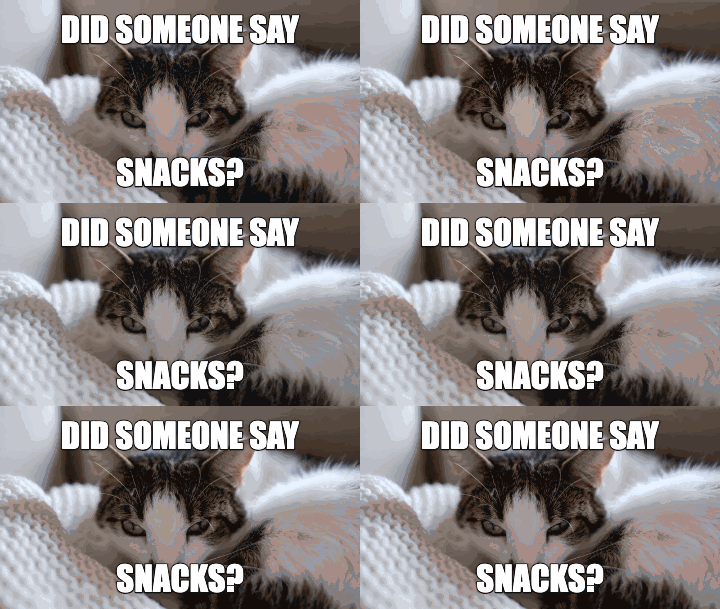
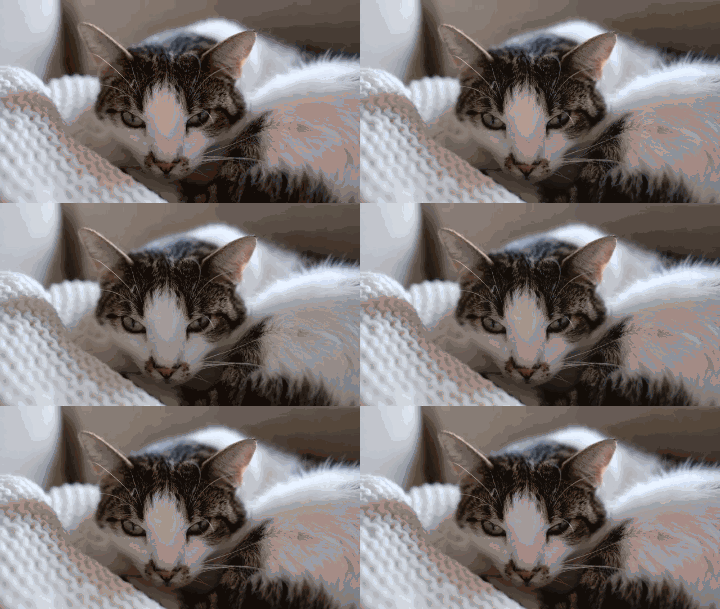
The same curious cat becomes a snack-time reaction. Top and bottom captions stay visible throughout the animation, with the expression in the middle.
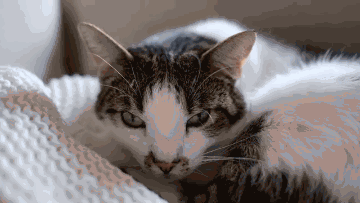
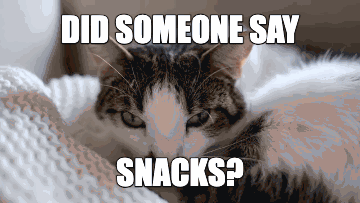
Media by Francesco Ungaro on Pexels · Pexels License.
A three-second excerpt, resized to 640 × 360. The uncaptioned GIF was exported with MemeLoop’s video to GIF tool.
SCENARIOS & SOLUTIONS
Drag that caption independently to a clearer area, or use its horizontal and vertical sliders for fine positioning. One concise line can work better than filling both fields.
That is the current export behavior: transparent regions flatten onto the editor's dark canvas. Choose source artwork that still reads well with that background.
Keep the source within 10 MB, 10 seconds and 300 frames, as well as the decoded-pixel limits. Detailed, high-frame-count GIFs can require more local processing.
The current add text to a GIF workflow uses a fixed bold font with a dark outline. Font selection is not available yet; use wording, size and position to shape the result.
GOOD TO KNOW
Yes. The editor accepts GIFs up to 10 seconds and 300 frames, subject to dimension and decoded-pixel limits.
No. Transparent areas are flattened onto the dark editor background in the exported GIF.
Yes. Drag either caption independently, or select it and adjust its horizontal and vertical position sliders.
The current editor uses a fixed bold font; font selection is not available yet.
Yes. Standard GIF export is free and does not add a watermark.
Processed on your device. Free standard export. No watermark.