Add text to GIF
Blinking guy
Use template ↗Source files & settings
A classic reaction from the editor’s GIF starters. Add your own context with editable captions.
195 × 229 · Classic reactions
Source: Blinking guy on GIPHY
View source page ↗
A LITTLE INSPIRATION. YOUR NEXT CREATION.
Find a starting point, open the right tool and make it yours. Every template includes source media and ready-to-edit settings.
Classic reactions, real media examples and original emoji loops, curated from our creative tools. Source files and editable settings included.
35 templates
A classic reaction from the editor’s GIF starters. Add your own context with editable captions.
195 × 229 · Classic reactions
Source: Blinking guy on GIPHY
View source page ↗
A classic reaction from the editor’s GIF starters. Add your own context with editable captions.
480 × 360 · Classic reactions
Source: Homer on GIPHY
View source page ↗
A classic reaction from the editor’s GIF starters. Add your own context with editable captions.
400 × 300 · Classic reactions
Source: Popcorn on GIPHY
View source page ↗
A classic reaction from the editor’s GIF starters. Add your own context with editable captions.
440 × 300 · Classic reactions
Source: Elmo fire on GIPHY
View source page ↗
A classic reaction from the editor’s GIF starters. Add your own context with editable captions.
480 × 230 · Classic reactions
Source: Cheers on GIPHY
View source page ↗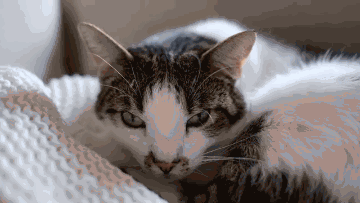
Turn a short pet video into a silent reaction GIF. Compare the three-second MP4 with the actual loop exported by MemeLoop.
640 × 360 · Real media
Source: Francesco Ungaro on Pexels · License
View source page ↗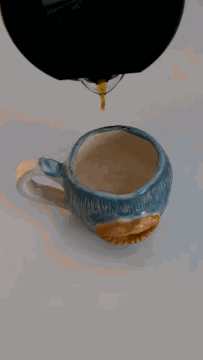
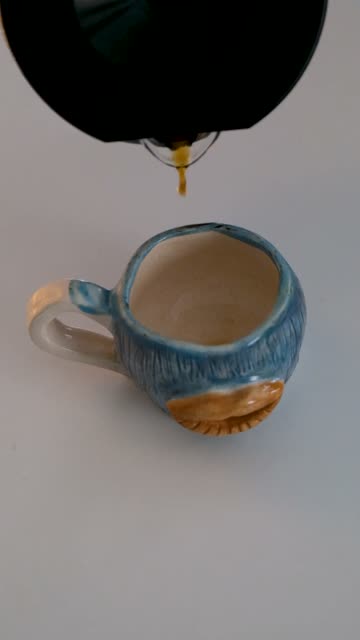
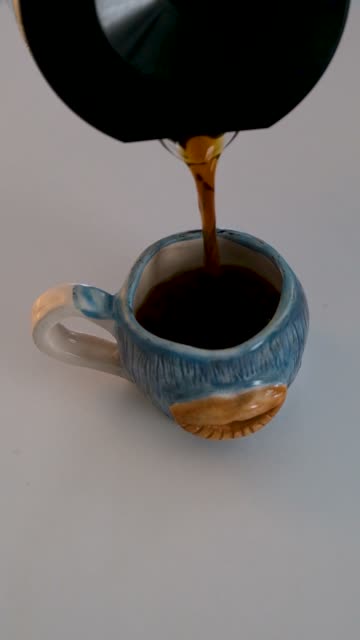
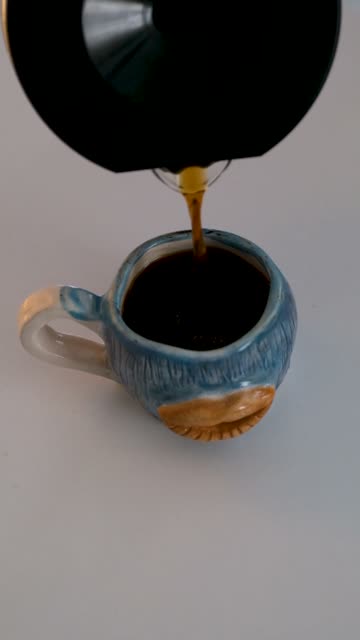
Three stills show a cup filling up. Combine them in order at one frame per second to make a simple process animation for a café update or how-to post.
360 × 640 · Real media
Source: Çağrı KANMAZ on Pexels · License
View source page ↗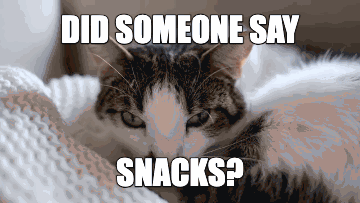
The same curious cat becomes a snack-time reaction. Top and bottom captions stay visible throughout the animation, with the expression in the middle.
360 × 203 · Real media
Source: Francesco Ungaro on Pexels · License
View source page ↗
This actual export is about 81% smaller. Compare the softer, smaller result with the original before deciding which suits your message.
360 × 203 · Real media
Source: Francesco Ungaro on Pexels · License
View source page ↗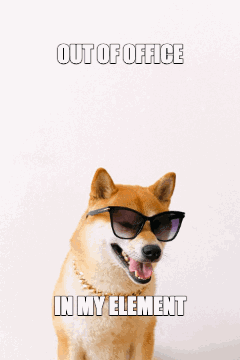
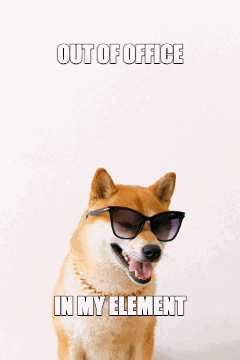
Start with a sunglasses-wearing dog and an away-message idea. Change the words to make your own weekend status. A still photo produces a still GIF.
720 × 1080 · Real media
Source: Anna Shvets on Pexels · License
View source page ↗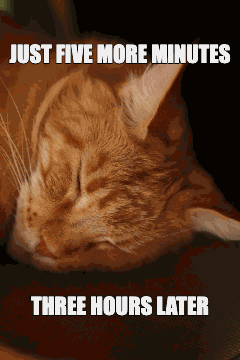
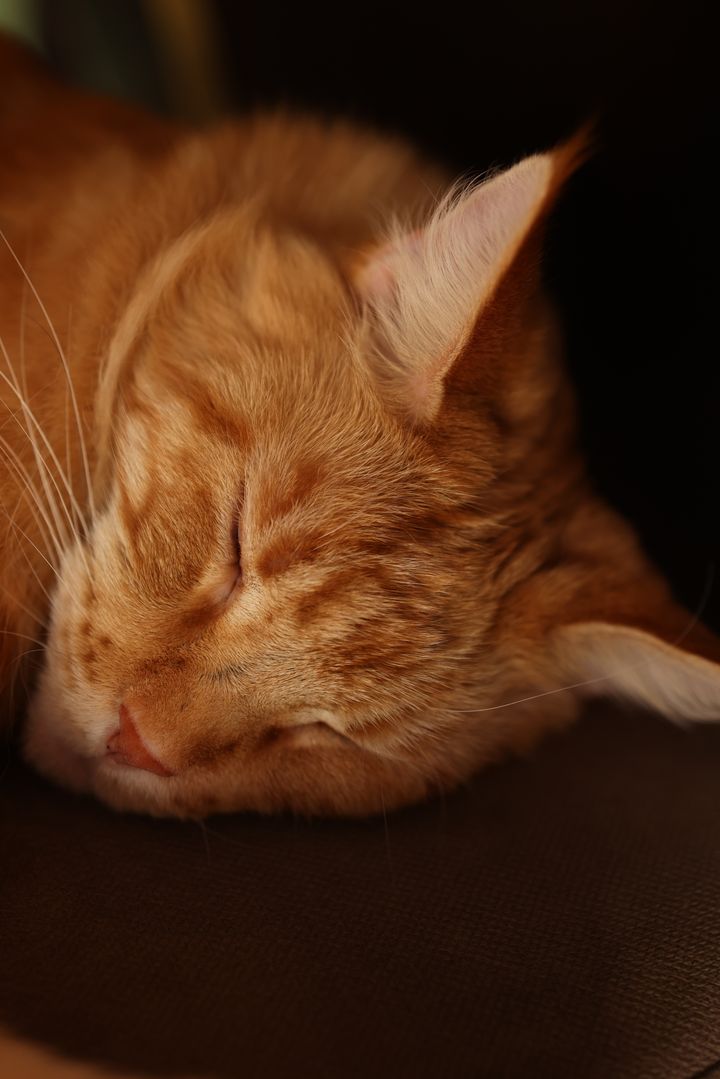
Turn a sleepy-cat photo into an inside joke in two lines. This is the actual free, unwatermarked export, ready to share without an account.
720 × 1080 · Real media
Source: Valeria Boltneva on Pexels · License
View source page ↗
An original animated emoji demo based on this tool’s example. Replace the words or bring your own media.
600 × 600 · Tool examples
View source page ↗
An original animated emoji demo based on this tool’s example. Replace the words or bring your own media.
600 × 600 · Tool examples
View source page ↗
An original animated emoji demo based on this tool’s example. Replace the words or bring your own media.
600 × 600 · Tool examples
View source page ↗
An original animated emoji demo based on this tool’s example. Replace the words or bring your own media.
600 × 600 · Tool examples
View source page ↗
An original animated emoji demo based on this tool’s example. Replace the words or bring your own media.
600 × 600 · Tool examples
View source page ↗
An original animated emoji demo based on this tool’s example. Replace the words or bring your own media.
600 × 600 · Tool examples
View source page ↗
An original animated emoji demo based on this tool’s example. Replace the words or bring your own media.
600 × 600 · Tool examples
View source page ↗
An original animated emoji demo based on this tool’s example. Replace the words or bring your own media.
600 × 600 · Tool examples
View source page ↗
An original animated emoji demo based on this tool’s example. Replace the words or bring your own media.
600 × 600 · Tool examples
View source page ↗
An original animated emoji demo based on this tool’s example. Replace the words or bring your own media.
600 × 600 · Tool examples
View source page ↗
An original animated emoji demo based on this tool’s example. Replace the words or bring your own media.
600 × 600 · Tool examples
View source page ↗
An original animated emoji demo based on this tool’s example. Replace the words or bring your own media.
600 × 600 · Tool examples
View source page ↗
An original animated emoji demo based on this tool’s example. Replace the words or bring your own media.
600 × 600 · Tool examples
View source page ↗
An original animated emoji demo based on this tool’s example. Replace the words or bring your own media.
600 × 600 · Tool examples
View source page ↗
An original animated emoji demo based on this tool’s example. Replace the words or bring your own media.
600 × 600 · Tool examples
View source page ↗
An original two-second emoji loop with editable captions.
600 × 600 · Reactions
View source page ↗
An original two-second emoji loop with editable captions.
600 × 600 · Reactions
View source page ↗
An original two-second emoji loop with editable captions.
600 × 600 · Reactions
View source page ↗
An original two-second emoji loop with editable captions.
600 × 600 · Work
View source page ↗
An original two-second emoji loop with editable captions.
600 × 600 · Work
View source page ↗
An original two-second emoji loop with editable captions.
600 × 600 · Work
View source page ↗
An original two-second emoji loop with editable captions.
600 × 600 · Everyday
View source page ↗
An original two-second emoji loop with editable captions.
600 × 600 · Everyday
View source page ↗
An original two-second emoji loop with editable captions.
600 × 600 · Everyday
View source page ↗FROM SOURCE TO SHARE
Real source media, real MemeLoop exports. Compare the before and after, then open an example to make it your own.
MADE WITH MEMELOOP
Start with a sunglasses-wearing dog and an away-message idea. Change the words to make your own weekend status. A still photo produces a still GIF.
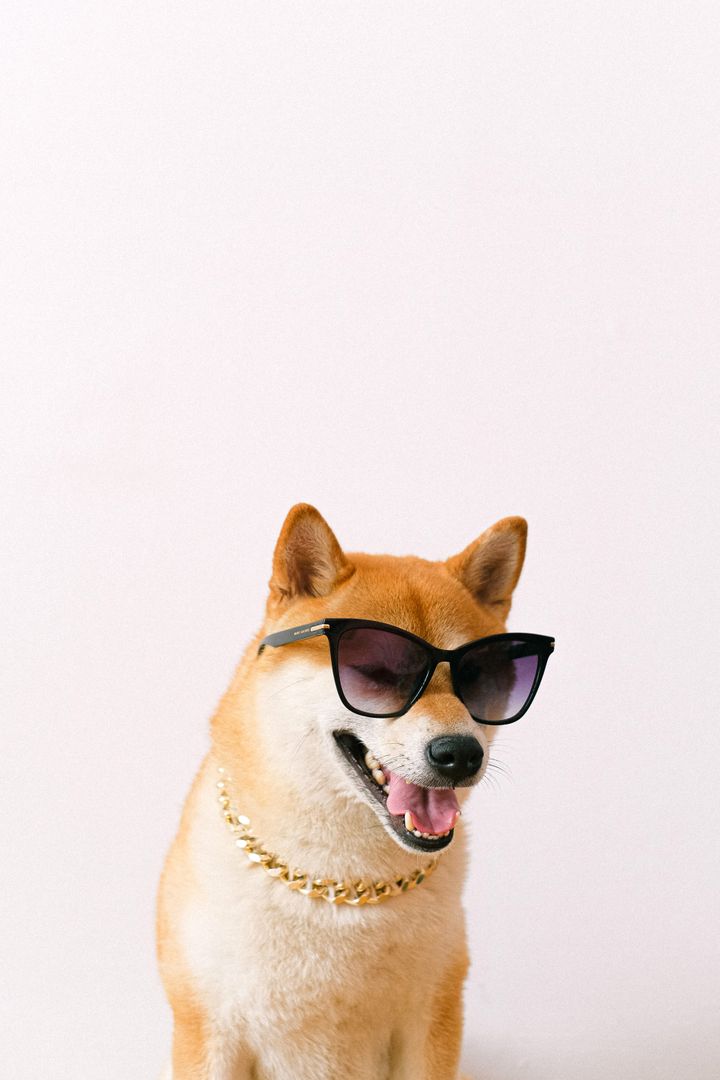
Media by Anna Shvets on Pexels · Pexels License.
Photo downloaded at 720 × 1080. Captions and the final GIF were made in MemeLoop’s free meme generator.
GOOD TO KNOW
The matching tool opens with the source video, image sequence or GIF already loaded. Captions stay editable; compression templates load their size settings. Edit the result and export when you are ready.
Each template includes its source media and a JSON recipe with captions, positions, timing and compression settings. Image-sequence templates include every ordered source frame. The tool reads the built-in recipe automatically; JSON import is not required or supported.
The collection includes classic reactions from GIPHY, real photo and video examples with credited Pexels sources, and original MemeLoop animated emoji designs. Real-media previews are actual exports from our tools. Browse by tool, choose a starting point and replace the words or media.
Yes. Standard export is free, without an account or watermark, up to 360px and 2 MB. Optional HD export uses one credit.